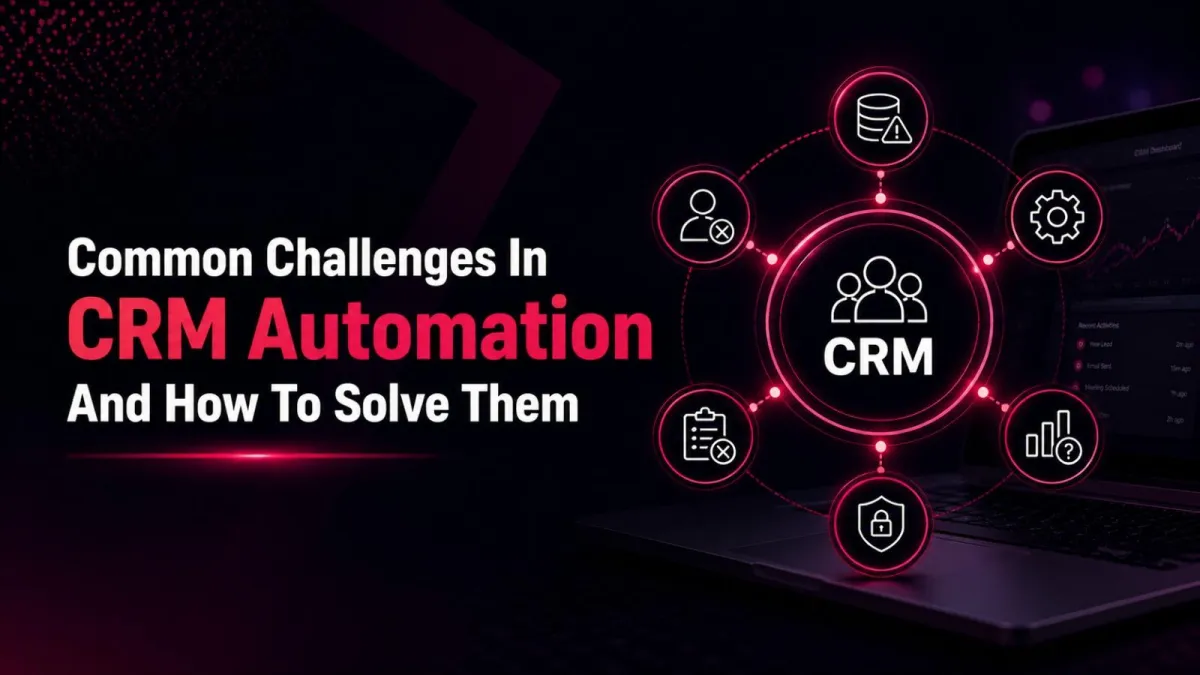
Common Challenges in CRM Automation and How to Solve Them
So, you’ve decided to automate your customer relationship management system. That’s a smart move. After all, the benefits of CRM automation services are hard to ignore: streamlined sales pipeline management, improved customer engagement tools, and measurable improvements in sales performance. But let’s be honest, the road to successful automation is rarely a straight line. Common challenges in CRM automation can trip up even the most prepared teams.
In this post, we’ll explore the most frequent CRM challenges, from messy data to user resistance, and share practical solutions. Whether you’re considering HubSpot implementation, migrating from an old system, or just trying to boost adoption, these insights will help you avoid failure and unlock real value.
But first, let’s quickly level-set. What is CRM? It’s a strategy and technology for managing all your company’s interactions with current and potential customers. Types of CRM systems include operational (automating sales and marketing), analytical (focusing on data analysis), and collaborative (improving customer service). You might also wonder about CRM vs ERP, a CRM manages customer relationships, while an ERP handles business resources like finance and inventory. Both are powerful, but they serve different purposes.
Now, let’s dive into the common CRM implementation challenges and solutions.
Poor CRM Data Quality & Management
The challenge:
Garbage in, garbage out. Many organizations struggle with CRM data management because their existing customer data is incomplete, duplicated, or outdated. Without high-quality CRM data, your marketing automation will send the wrong messages, and your sales pipeline management will be based on false assumptions.
The solution:
Start with data cleaning before CRM migration. Deduplicate records, standardize formats (e.g., phone numbers, company names), and fill in missing fields. This is why the importance of data quality in CRM cannot be overstated; clean data ensures your workflow automation software triggers the right actions. Moreover, establish ongoing rules for customer data management. Use CRM automation tools like data validation rules and automated duplicate detection. For HubSpot CRM, take advantage of its built-in data quality tools and property validation.
Pro tip: If you lack internal bandwidth, consider CRM migration services or CRM consulting services to handle heavy lifting.
2. Rocky CRM Migration & Integration
The challenge:
CRM data migration from legacy systems or spreadsheets is often messy. File formats don’t match, historical data is corrupted, and field mapping becomes a nightmare. Similarly, CRM integration with existing systems (like your ERP, email platform, or helpdesk) can fail if APIs are incompatible.
The solution:
Plan CRM system implementation in phases. Before you migrate data to HubSpot CRM, audit your source data thoroughly. Use CRM migration services offered by HubSpot CRM experts to ensure a smooth transition. For CRM integration with existing systems, choose tools that support pre-built connectors (e.g., HubSpot’s native integrations with Slack, Outlook, or Shopify). If you need custom workflows, hire CRM implementation partner who specializes in HubSpot integration and business process automation. Remember, a successful CRM software implementation is 70% planning.
3. Low User Adoption & Resistance to Change
The challenge:
Even the most powerful customer relationship management system fails if your team won’t use it. CRM adoption strategies often overlook human factors, sales reps see it as extra data entry, and managers don’t enforce consistent use. Why CRM implementation fails frequently points to adoption, not technology.
The solution:
Focus on how to improve CRM adoption in organizations by making the system a helper, not a chore. Involve end-users early in selecting CRM automation tools and designing workflows. Provide CRM training and support that is role-specific (e.g., sales vs. marketing vs. service). Also, clearly communicate CRM system benefits such as reduced manual work, faster reporting, and marketing effectiveness tools that show which campaigns drive revenue. For HubSpot implementation, use its gamification features and customizable dashboards to encourage daily use.
Case in point: Companies that invest in CRM training and support see adoption rates over 85%, while those that don’t struggle below 30%.
4. Misaligned Processes & Lack of Strategy
The challenge:
Many teams rush to automate broken processes. They buy workflow automation software without rethinking their sales pipeline management or customer engagement tools. The result? Automated chaos. Another common challenge in CRM automation is treating the CRM as just a data repository instead of a strategic asset.
The solution:
Document your current customer journey from lead capture to post-sale. Then map business process automation to only those steps that are repeatable and value-adding. Follow CRM implementation best practices like starting with a pilot team, defining clear KPIs (e.g., lead response time, deal velocity), and using CRM analytics and reporting to measure results. For digital transformation CRM initiatives, align the CRM with your overall business goals, not just IT’s to-do list.
5. Ineffective Marketing Automation Integration
The challenge:
You have a marketing automation CRM, but marketing and sales data don’t sync. Leads get lost, email sequences trigger at the wrong time, and reporting is inconsistent. This leads to wasted spend and frustrated teams.
The solution:
Ensure your HubSpot implementation (or any CRM) includes closed-loop reporting between marketing and sales. Use CRM integration to pass lead scoring, email engagement, and lifecycle stages automatically. Benefits of using HubSpot CRM for marketing include native marketing automation, smart lists, and lead nurturing, all in one platform. To avoid failure, regularly audit your automation rules. Tips to avoid CRM implementation failure include setting up a cross-functional governance team that meets monthly to review workflows and data sync health.
A Quick Word on CRM Automation Tools
You might be wondering which CRM automation tools can ease these challenges. Popular options include HubSpot (great for marketing and sales), Salesforce (for enterprise complexity), and Zoho (for small budgets). Best CRM implementation services often recommend starting with HubSpot CRM because of its user-friendly interface and extensive integration ecosystem. If you need hands-on help, HubSpot CRM setup services and CRM consulting services can accelerate your timeline.
Remember, CRM vs ERP isn’t an either/or choice; many businesses use both, with integration layers passing data between customer-facing and operational systems.
Conclusion
Automating your customer relationship management system doesn’t have to be painful. By acknowledging common challenges in CRM automation, like poor CRM data quality, difficult CRM migration, low adoption, misaligned processes, and broken marketing integration, you can proactively solve them. Focus on data cleaning before CRM migration, invest in CRM training and support, and consider bringing in HubSpot CRM experts or a CRM implementation partner for complex needs.
When done right, the benefits of CRM automation services are enormous: improved sales performance, sharper marketing effectiveness, and deeper customer engagement. So, take the first step today. Clean your data, align your team, and choose the right CRM automation tools for your business. Your future self and your customers will thank you.
FAQs
What are the biggest challenges you've faced while using CRMs?
The biggest challenges include poor data quality with duplicates and missing fields, low user adoption because teams resist logging activities, difficult and error‑prone migration from spreadsheets or legacy systems, broken integrations with email, ERP, or marketing tools, and automating messy processes without fixing the underlying issues first.
What common challenges do businesses face during CRM implementation?
Businesses commonly face a lack of a clear strategy that treats the CRM as a data dump rather than a strategic asset, strong resistance to change from sales and support teams, data migration errors like corrupted history and incorrect field mapping, misaligned processes between marketing, sales, and service, and no post‑launch training or ongoing governance.
What problems do you usually face with CRMs?
The usual problems are garbage‑in, garbage‑out where dirty data ruins automation, sales reps seeing the CRM as extra data entry instead of a helpful tool, marketing and sales data failing to sync so leads get lost, automated workflows triggering incorrectly due to bad logic, and inconsistent reporting across departments.
For more information about services, visit Vivacity Solutions.
