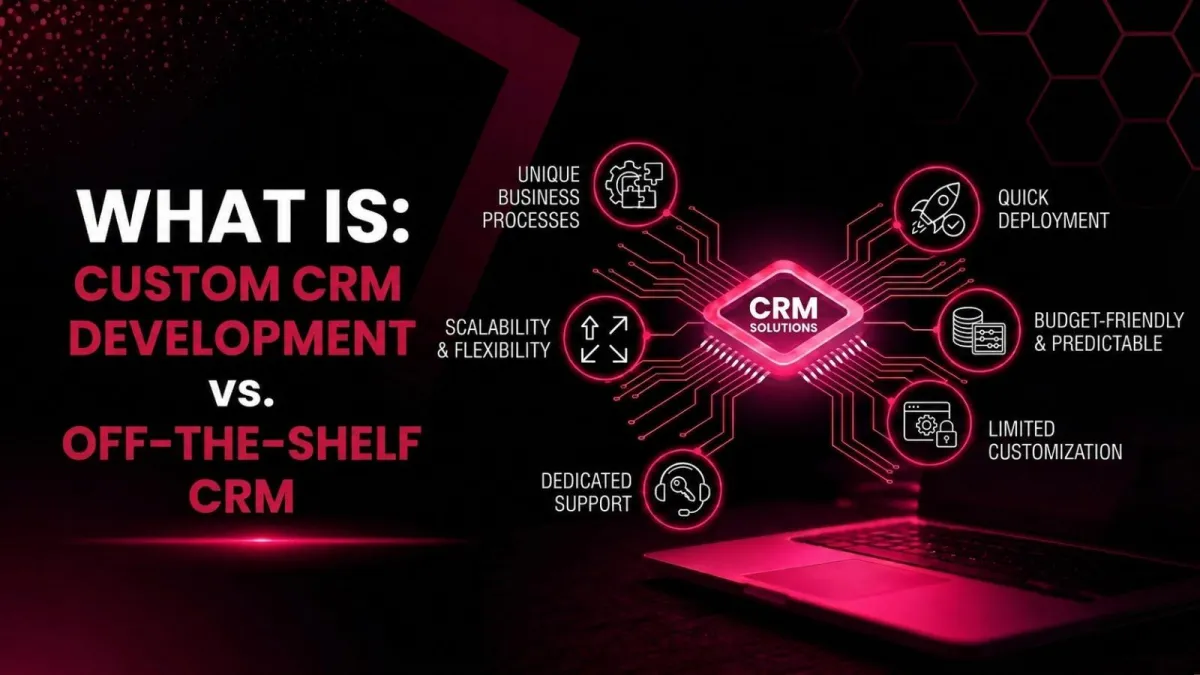
Custom CRM Development vs. Off-the-Shelf CRM
You’ve finally decided to get serious about managing your customer relationships. Maybe your spreadsheet is bursting at the seams. Maybe your team is wasting hours hunting for contact info. Or maybe you just want to stop juggling three different tools that don’t talk to each other.
Then comes the big question: Should you build your own CRM or buy a ready‑made one?
This isn’t a one‑size‑fits‑all answer. I’ve seen seven‑figure businesses regret an expensive custom CRM development project. And I’ve also seen fast‑growing startups suffer for years because they chose a rigid off‑the‑shelf CRM that couldn’t keep up.
Let’s walk through this together. No jargon. No hard sell. Just a friendly, honest guide to help you choose what’s right for your business.
First, what is CRM? (And why should you care?)
Before we dive into the battle, let’s level‑set. What is CRM? It stands for Customer Relationship Management, but it’s not just software. It’s a strategy and technology for managing every interaction with your leads and customers.
A proper CRM system helps you track conversations, automate follow‑ups, forecast sales, and keep everyone on the same page. Without it, you’re basically trying to navigate a city with a paper map from 1995.
Types of CRM you should know
To understand the landscape, it helps to know the types of CRM available:
Operational CRM – automates sales, marketing, and service.
Analytical CRM – crunches data to find insights.
Collaborative CRM – shares customer info across departments.
Both custom and off‑the‑shelf solutions can fall into these categories. The difference is how much control you have.
What is custom CRM development?
Custom CRM development means building a CRM from scratch, or on top of a flexible framework, exactly for your business processes. Every field, every workflow, every button is designed around how your team works.
Think of it like a tailor‑made suit. It fits perfectly, but it takes time and costs more upfront.
What is an off‑the‑shelf CRM?
Off‑the‑shelf CRMs are pre‑built products like HubSpot, Salesforce, Zoho, or Pipedrive. You pay a monthly fee, turn it on, and start using it that same day. They come with standard features that work for many businesses, but not necessarily your business.
That’s the ready‑to‑wear suit. It fits okay, you can wear it today, but the sleeves might be a little long.
Key differences: custom CRM development vs. off‑the‑shelf CRM
Let’s break down the most important factors. I’ll keep it real, no marketing fluff.
1. Cost of CRM implementation
Off‑the‑shelf looks cheap at first. You see $29 per user per month and think, “That’s nothing.” But CRM hidden costs add up: onboarding fees, extra users, storage overages, and expensive add‑ons for basic features.
Custom CRM development has a higher upfront CRM development cost. You pay for designers, developers, and project managers. But over 3‑5 years, the total cost can actually be lower – no per‑seat fees, no surprise price hikes.
My take: If you have less than 10 users and simple needs, start off‑the‑shelf. If you’re scaling fast or have weird processes, long‑term custom often wins.
2. Time to value (TTV)
Off‑the‑shelf CRMs win here. You can sign up, import your contacts, and make your first sale within a day. That’s an excellent CRM time-to-value.
With custom CRM development, you’re looking at 3‑9 months before you see a return. The time to value (TTV) CRM is much longer, but the payoff is a system that feels like it was built for you.
3. CRM flexibility and scalability
This is where custom CRM development shines. Need a weird approval flow for your distribution business? No problem. Want to automatically calculate commissions based on product margins? Easy. You own the code, so CRM flexibility is infinite.
Off‑the‑shelf CRMs are rigid. You can only customize within the vendor’s rules. Many businesses hit a wall when they grow; the CRM scalability just isn’t there. Suddenly, you’re hiring consultants to hack workarounds.
4. CRM usability and user adoption
Off‑the‑shelf vendors spend millions on CRM user experience (UX). Their CRM interface design is polished and tested. That usually means higher CRM user adoption, and your team actually wants to log in.
Custom-built CRMs can sometimes feel clunky unless you invest heavily in design. And CRM training and onboarding fall entirely on you. No YouTube tutorials. No community forums.
Honest advice: If your team struggles with technology, an intuitive CRM system off‑the‑shelf is safer.
5. CRM data security and ownership
With custom CRM development, you own everything. You can host it on your own servers (on‑premise CRM solution) or in your private cloud. You control CRM data security completely. No third‑party vendor can change your pricing or shut down your access.
Off‑the‑shelf CRMs store your data on their servers. That means cloud CRM security risks are their responsibility, but also their problem. Most are very secure, but you have to trust them. And you can never fully export your workflows or automations.
6. CRM integration with existing systems
Both options can integrate. Off‑the‑shelf CRMs offer pre‑built CRM API integration with popular tools like Slack, Mailchimp, and Shopify. That’s fast and easy.
But custom CRM development allows custom software integration with anything: your legacy ERP, your proprietary logistics software, your weird accounting system. No forcing square pegs into round holes.
7. Vendor dependency vs. ownership
Off‑the‑shelf creates vendor dependency CRM. If the vendor raises prices (and they will), you pay or leave. If they remove a feature you love, too bad. You’re a tenant, not an owner.
With custom CRM development, you have full CRM ownership control. You decide when to update, what features to add, and where to host. No one can hold you hostage.
Common challenges in CRM automation (and how each solution handles them)
Let’s be honest, automating your CRM is never perfect. The common challenges in CRM automation include:
Poor data quality – duplicates, missing fields, outdated records.
Low user adoption – reps hate logging activities.
Broken integrations – marketing and sales data don’t sync.
Rigid workflows – the system can’t match your actual sales process.
Off‑the‑shelf CRMs give you standard automation rules. They work for 80% of use cases. But that last 20%? You’re stuck building complex workarounds or buying expensive add‑ons.
Custom CRM development lets you build automation that mirrors exactly how your team works. Every trigger, every action, every condition can be tailored. You can solve the weird edge cases that frustrate your salespeople.
However, custom CRM development also requires you to design those automations yourself – so you need to know what you want. Off‑the‑shelf comes with best‑practice templates.
Top 10 CRM automation tools (off‑the‑shelf favorites)
If you go the ready‑made route, here are top 10 CRM automation tools worth checking out:
HubSpot CRM – best free tier + native marketing automation.
Salesforce – enterprise power, endless customization (at a cost).
Zoho CRM – affordable with good automation features.
Pipedrive – sales‑focused, very visual pipeline.
Monday CRM – great for teams already using Monday.com.
Freshsales – built‑in phone and email automation.
Insightly – strong project management + CRM.
ActiveCampaign – more marketing automation than pure CRM.
Copper – native Gmail integration.
Less Annoying CRM – simple, flat fee, no per‑user pricing.
None of these are custom. But they’re excellent starting points.
Benefits of CRM automation services
Whether you build or buy, automation saves you from repetitive tasks. The benefits of CRM automation services include:
Faster lead response – automatic assignment and follow‑up.
Fewer manual errors – no more copy‑pasting data.
Better forecasting – real‑time pipeline visibility.
Higher conversion rates – timely, relevant engagement.
CRM automation services can be added to both custom and off‑the‑shelf systems. For custom builds, you bake them in from day one. For off‑the‑shelf use, you can use their built‑in tools or third‑party connectors like Zapier.
One hidden advantage of custom CRM development? You can automate cross‑department workflows that no off‑the‑shelf tool supports, like triggering a warehouse restock when a customer signs a contract.
CRM vs ERP: key differences you must understand
A lot of people confuse CRMs with ERPs. Here are the CRM vs ERP key differences:
CRM manages customer relationships – leads, sales, support, and marketing.
ERP (Enterprise Resource Planning) manages business resources, finance, inventory, HR, and supply chain.
CRM vs ERP isn’t an either/or question. Most growing businesses need both. The magic happens when they talk to each other. That’s where ERP integration with CRM becomes critical.
With an off‑the‑shelf CRM, ERP integration with CRM often requires a middleware tool or an expensive connector. With custom CRM development, you can build a direct, real‑time sync between your CRM and ERP, no translation layer needed.
So which one should you choose?
Let me give you a simple framework.
Choose off‑the‑shelf CRM if:
You have fewer than 20 users.
Your sales process is pretty standard.
You need something live within a week.
You don’t have a dedicated development team.
You’re okay with paying monthly forever.
Choose custom CRM development if:
Your business has unique workflows that no off‑the‑shelf tool handles.
You plan to scale to hundreds of users.
You want to own your data and avoid vendor lock‑in.
You have (or can hire) a development team.
You’re thinking long‑term, 5+ years.
Custom CRM development is an investment. It’s not for everyone. But for businesses with complex sales cycles, weird products, or proprietary processes, it can be a superpower.
Conclusion
I’ve used both. I’ve built custom CRMs for clients and watched them thrive. I’ve also helped businesses migrate off their expensive, half‑finished custom system onto a simple off‑the‑shelf CRM.
The truth is: custom CRM development is amazing when you have clear requirements and the budget to do it right. Off‑the‑shelf is amazing when you need predictability and speed.
Don’t let anyone shame you into building just because “custom is better.” And don’t let anyone scare you away from building if you truly have unique needs.
Your CRM should work for you – not the other way around.
Still unsure? Start with a free off‑the‑shelf CRM. Use it for three months. Note every frustration. If you’re writing a novel of workarounds, then start exploring custom CRM development.
CRM system choice is one of the most important decisions for your digital transformation CRM journey. Take your time. Talk to your team. And remember, the best CRM is the one people actually use.
FAQ
Is custom CRM development expensive?
Yes upfront. But long‑term CRM ROI (return on investment) can be higher than paying subscription fees forever.
Can I start off‑the‑shelf and switch to custom later?
Absolutely. Many businesses do that. Just make data export easy.
What’s faster – off‑the‑shelf or custom?
Off‑the‑shelf for months. CRM time to value is days vs. months.
